Today, not someday
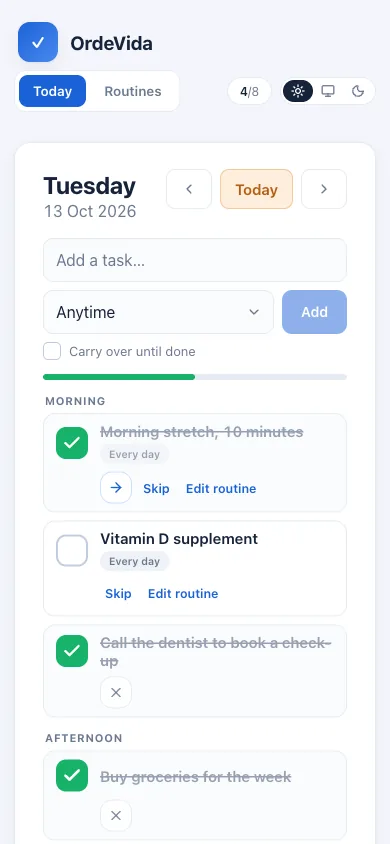
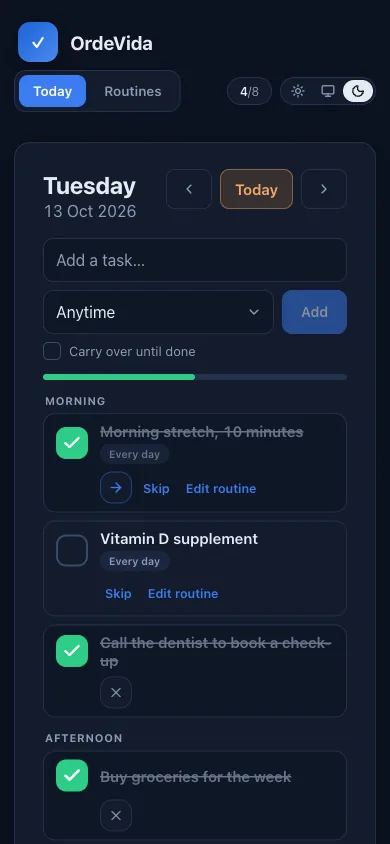
A short list for today, routines that schedule themselves (every day, on chosen weekdays, every few days, alternating A/B) and tasks that carry over until they are done.
Private beta
OrdeVida brings your day plan, health records, nutrition, training and trips into one calm place. Private by default, and designed to turn chaos into the next clear step.
Access is by invitation while the app is in private beta.
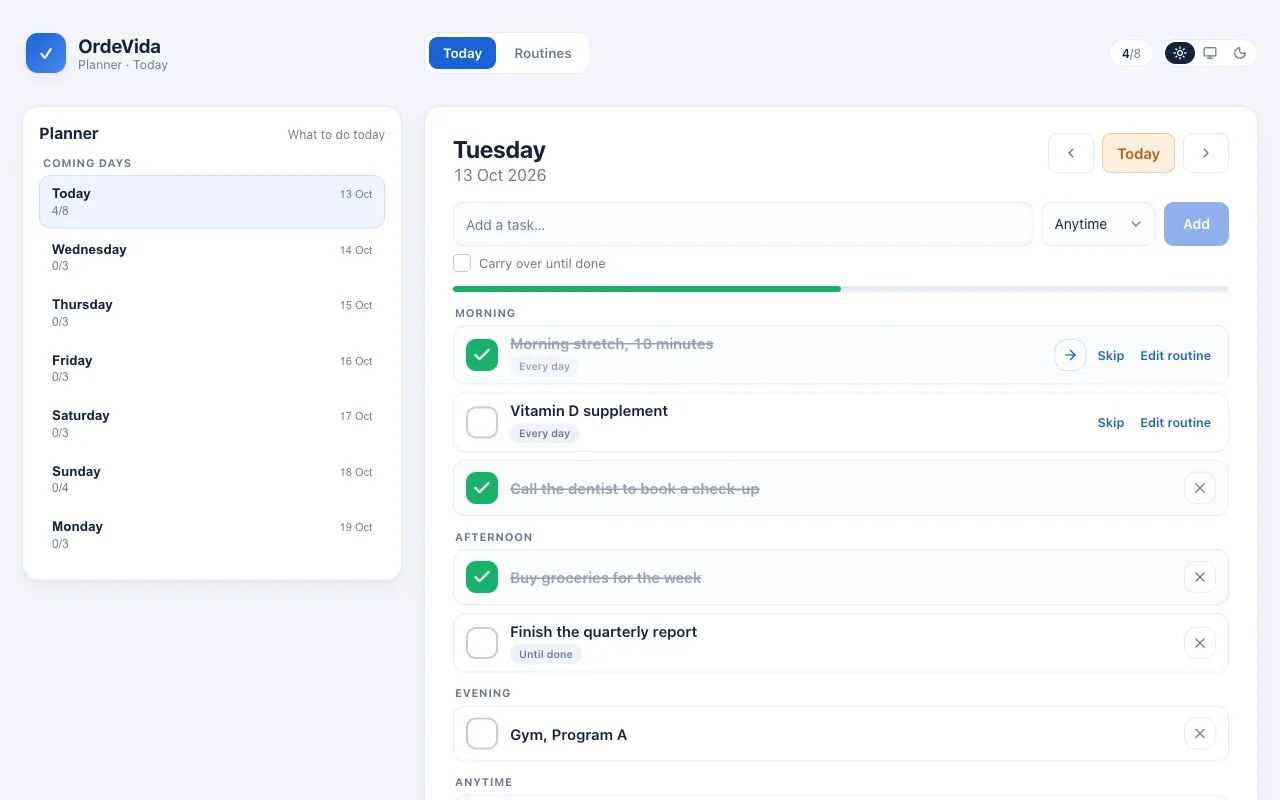
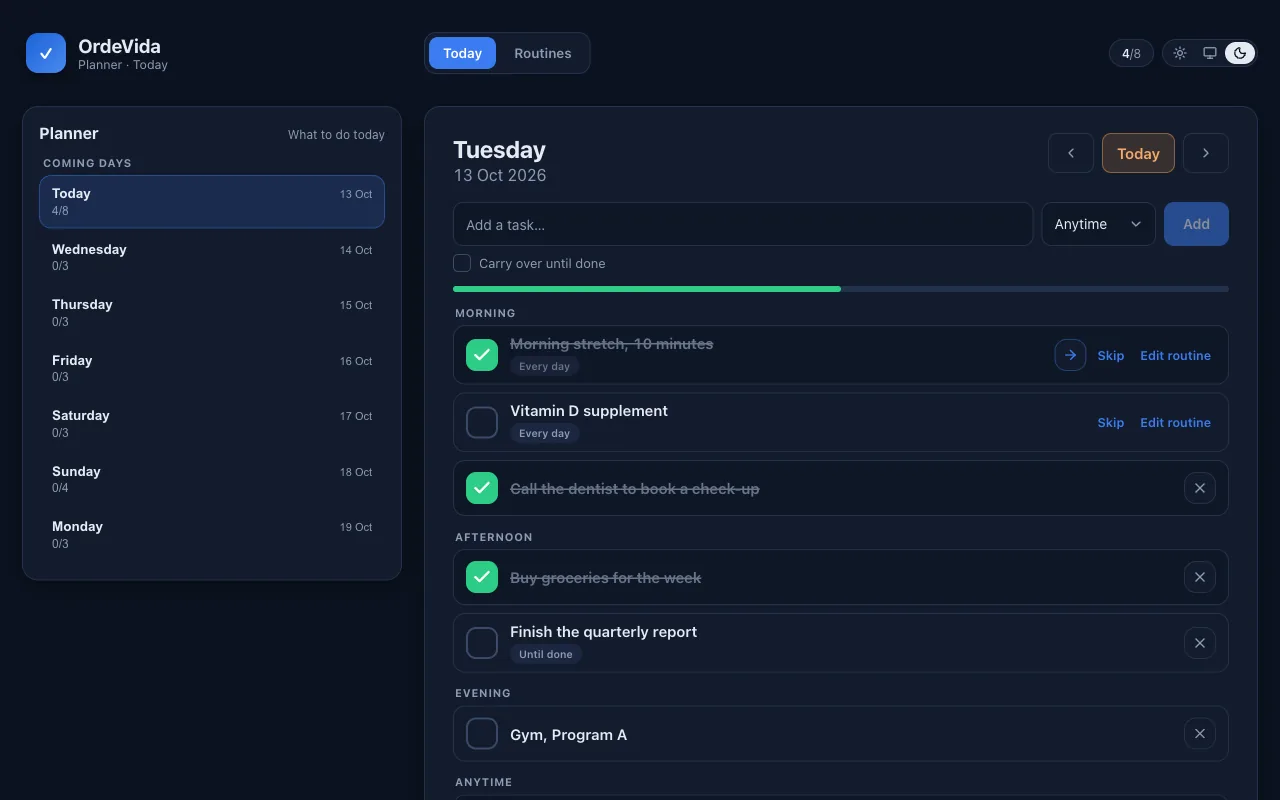
A short list for today, routines that schedule themselves (every day, on chosen weekdays, every few days, alternating A/B) and tasks that carry over until they are done.
Lab results with reference ranges and trends over the years, annual check-ups and serology, imported from your PDF reports and explained in plain words.
Log meals by the gram and see calories and protein against your goals, together with workouts, weight trend, sleep and steps.
Bookings, flight legs across time zones, costs per traveller, entry requirements per passport and the documents of each booking, shared with the people you travel with.
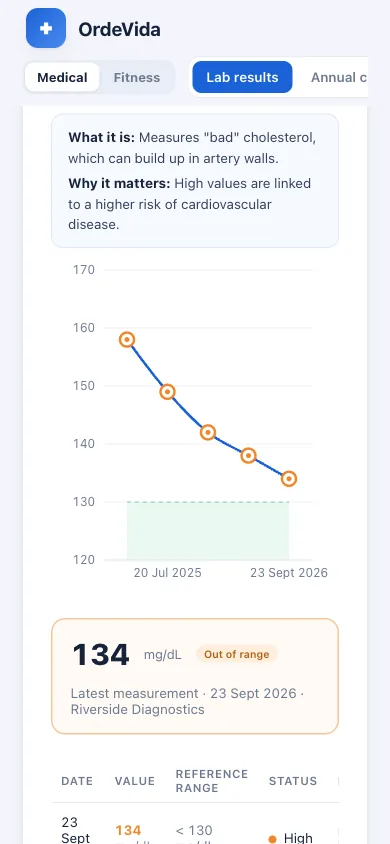
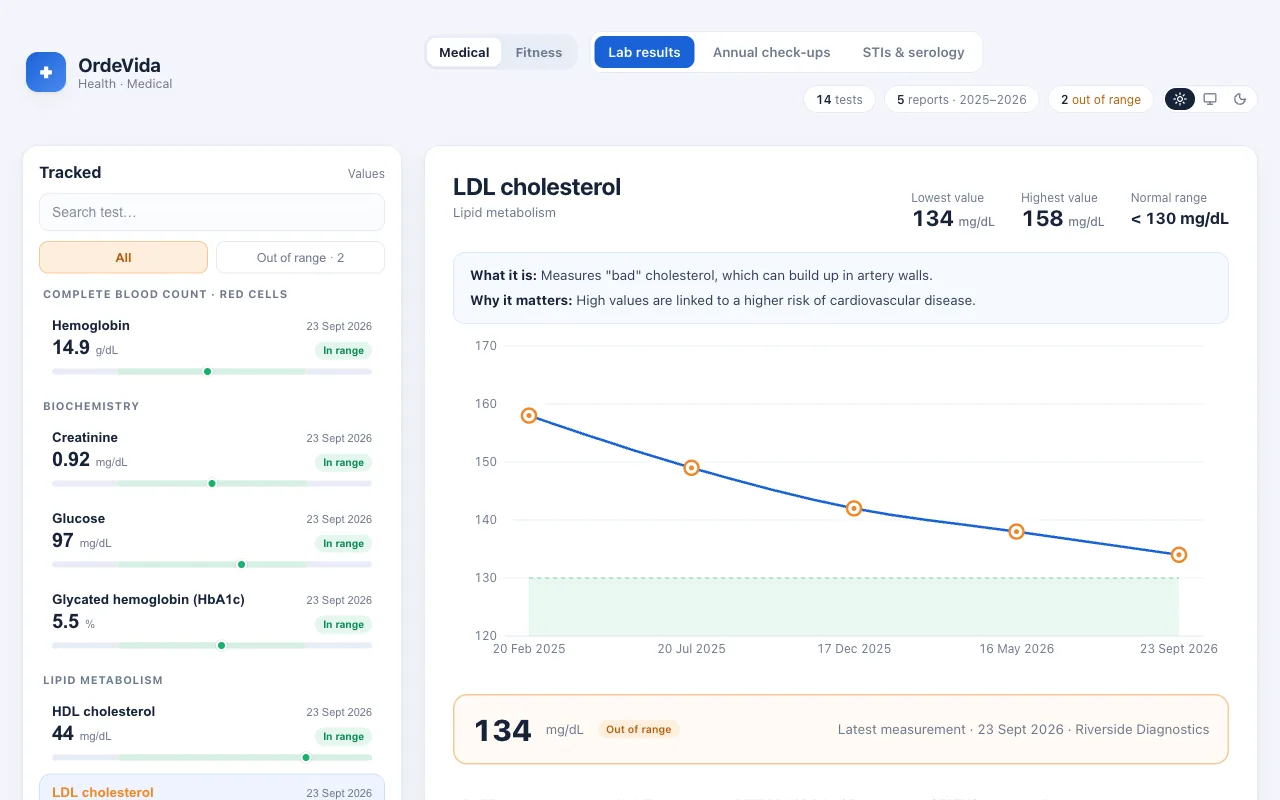
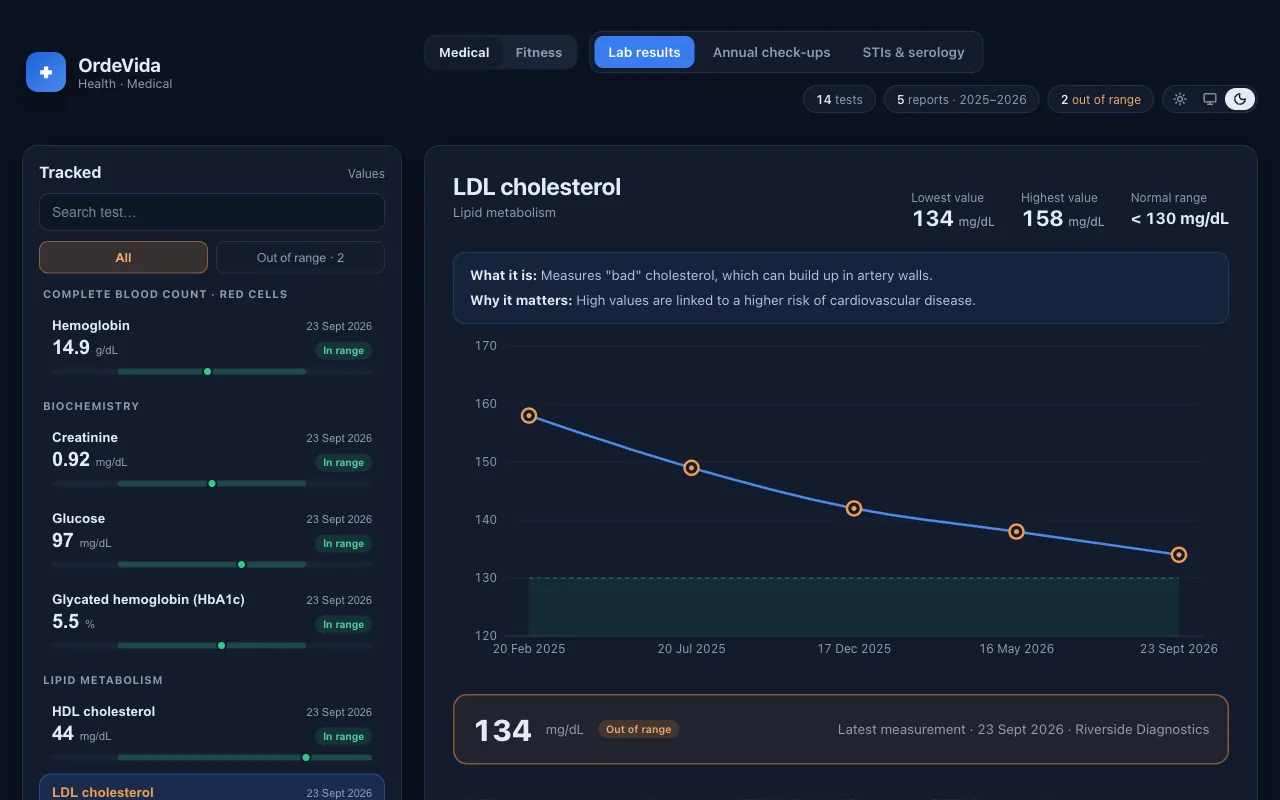
Import your lab reports once. Every result is placed against its reference range, so the direction of travel is obvious at a glance. Pick a marker to see it draw itself.
The normal range, drawn in
The green band is the lab's reference range, so you see where each result sits.
Status at a glance
Points outside the range turn orange; the ones inside stay green.
The whole history
Every marker shows its path over time, with its lowest and highest values, not just the latest result.
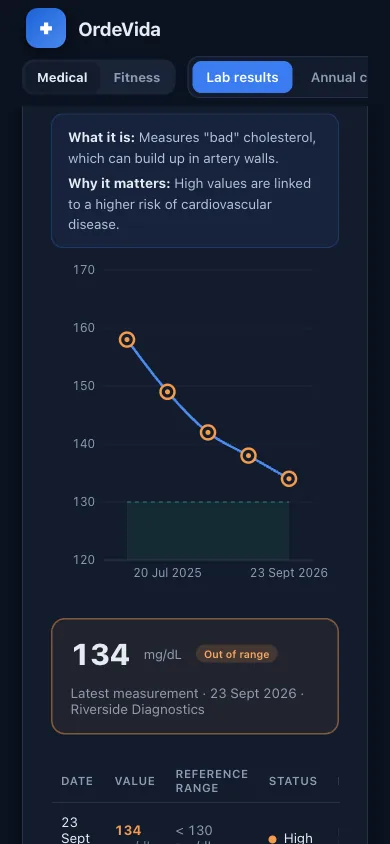
Screens from a demo account with made-up data. The layout adapts from phone to desktop, in light and dark.
Today's tasks and routines in the order of the day, with a progress bar and the coming days one tap away.
Every marker against its reference range, with a plain explanation and its history over time.
Calories and protein against your targets, the weight trend and your workouts in one overview.
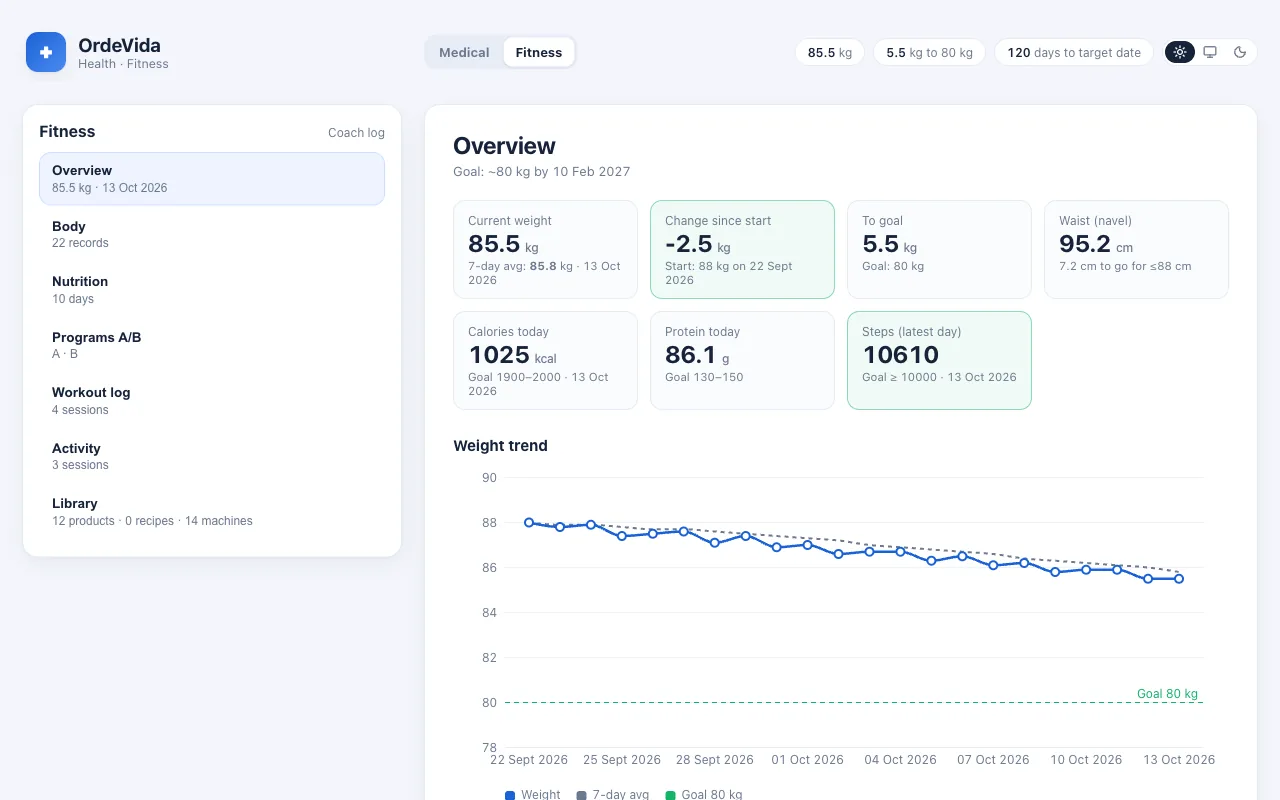
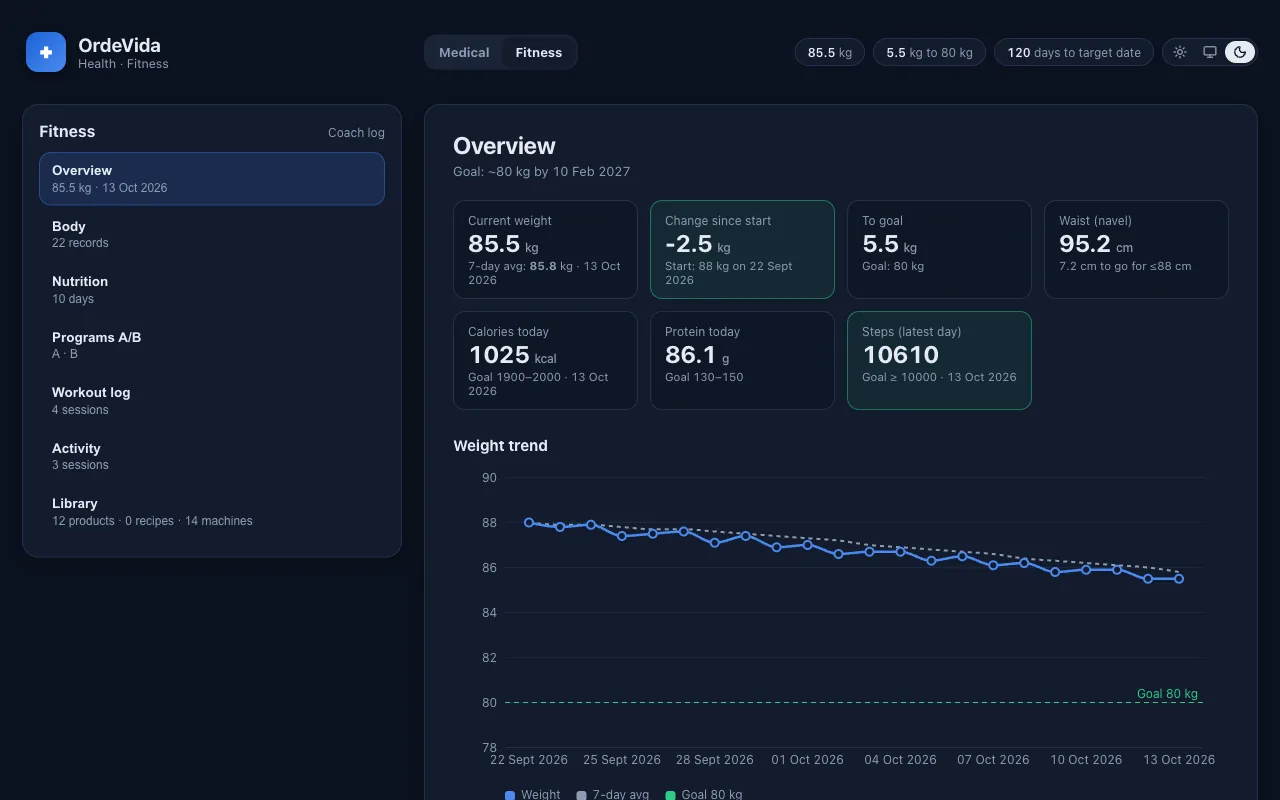
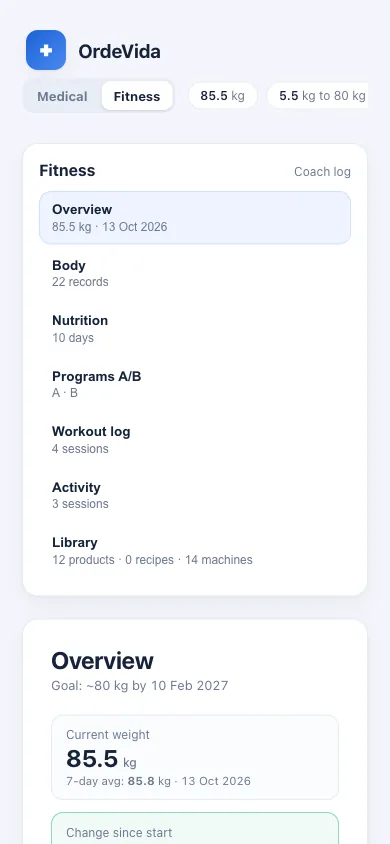
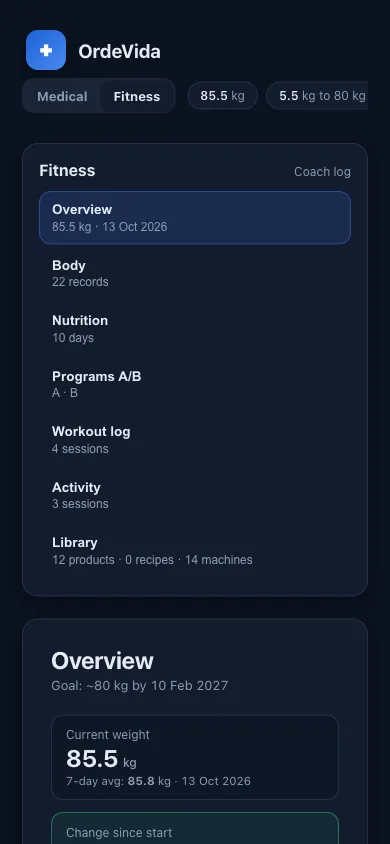
Private by default: each record is visible only to you and to the people you choose. Stored in the EU. No ads and no selling of data.
One step at a time, a clear structure and little to configure. Light and dark themes, in English, Spanish and Ukrainian.
Connect your own AI assistant to log meals and workouts in plain language. Nothing is shared with an AI service unless you connect it.
Short, honest answers. If something is planned but not ready yet, it says so.
A private web app for running your own life admin: a daily planner with routines, your lab results and check-ups, nutrition, weight and training, and trip planning. Everything sits in one calm place instead of a dozen apps and spreadsheets.
It is built to do the opposite. The planner shows today, split into morning, afternoon and evening, so the next step is obvious. Routines come back on their own, so you do not have to remember them. There are no streaks, badges, ads or notifications pulling at you.
Only you. Every record belongs to your account, and the database itself refuses to return it to anyone else (row-level security), not just the screens. A trip you share is visible only to the people you add to it, with the role you give them.
In the EU: the database and files are hosted in Ireland. Connections are encrypted, and data is encrypted at rest. Original documents such as lab PDFs sit in private storage and open through a link that expires after five minutes.
No. There are no ads, no third-party trackers and no analytics scripts in the app, and your data is not sold or shared with advertisers.
No. It organises your own results and shows them against the reference ranges printed on your reports, with a plain explanation of what each test measures. It does not diagnose and does not replace your doctor.
During the beta, lab reports are imported from your PDFs in a guided process, and every value keeps a link to its original document. Uploading reports yourself, with an automatic extraction you review before saving, is planned.
Yes. OrdeVida has a Model Context Protocol (MCP) server, so an assistant such as Claude can log meals, weight, sleep, steps and workouts, correct a mistake and read your day summary while you just talk to it. It acts only after you connect it, and only on your own data.
You can install OrdeVida from the browser on iPhone, Android or a computer: use the Install app button for the steps for your device. It then opens full screen with its own icon. It needs a connection, because your data is not stored on the device. There is no App Store or Google Play version yet.
Not from the app yet: export and account deletion in the settings screen are in development and planned before sign-ups open. Deleting an account is designed to remove its records together with its files.
OrdeVida is in private beta and access is by invitation. Join the waitlist on the sign-in page and we will let you know when a place opens. If you already have an account, sign in with your e-mail: there is no password, you get a sign-in link.
Nothing during the private beta, and no payment details are asked for.
English, Spanish and Ukrainian. The app picks your browser's language on your first visit, and you can switch at any time.
Still curious?
Join the waitlist and we will write when a place opens.